
Business NBN Speed: Is your old router holding you back?
Business NBN speed can look great on your plan, yet feel disappointing in the office. There is a good reason to check the equipment at your end: Opensignal’s 2026 Australian broadband analysis found that many people are still connecting through older Wi-Fi routers, even as faster NBN plans become available.
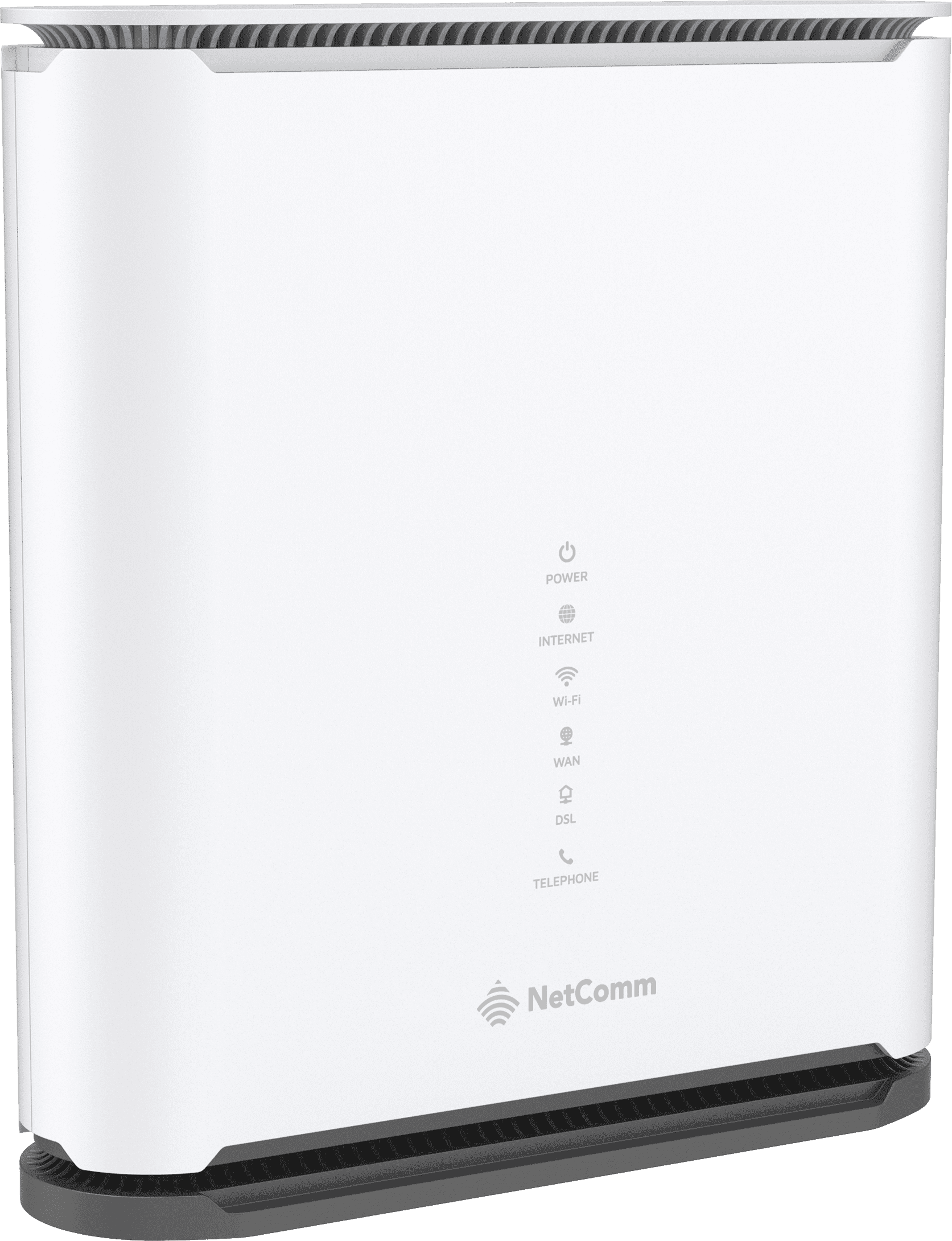
In September 2025, nbn increased the wholesale speeds available on selected plans for eligible fibre to the premises (FTTP) and hybrid fibre coaxial (HFC) connections. Your retail plan, premises and provider still determine what is available to you. But even when a faster service reaches your router, the Wi-Fi and wired network inside your premises can limit what your team sees on its devices.
The research mainly reflects residential broadband use, so it does not tell us how many Central Coast businesses have an outdated router. It does point to a practical question for any office: is the equipment on site capable of delivering the speed you are paying for?
What can slow your business NBN speed?
Your router has to handle traffic between your internet connection and the devices in your business. An older model may struggle with a faster plan, particularly when several people are on video calls, using cloud software or moving large files at the same time. An old router can still be working perfectly in one sense while failing to take advantage of a newer speed tier.
When business NBN speed falls short of what you expect, start by working out whether the slowdown affects every device or only some of them. That small distinction can save time when tracking down the cause.
It is also worth checking the router’s wired ports. A port limited to 100 Mbps can cap the speed of a faster service before the traffic even reaches your office Wi-Fi. Some older network switches and cables can create a similar bottleneck. The right equipment depends on your plan, the number of users and how your business uses the connection.
Wi-Fi introduces another variable. A connection can test well close to the router but slow down across a large office, through walls or in a busy area with many devices. Older laptops and phones can also have their own Wi-Fi limits. A newer Wi-Fi generation can help, but even a new router will not fix every coverage issue if it is poorly positioned or the premises needs additional access points.
For a business, the effect is more than a slow download. Unreliable connectivity can interrupt cloud phone calls, EFTPOS terminals, booking systems and day-to-day work.
There is a difference between a slow internet connection and poor Wi-Fi. If a wired computer performs well while wireless devices struggle, the internet service may be working as expected. If both are slow, the cause could be the plan, the router, the connection or something else on the network. Knowing which part is affected helps avoid spending money on an upgrade that will not solve the problem.
How to check your business NBN speed
Before replacing anything, try these five checks. Run speed tests in consistent conditions where possible, and write down the results. A comparison between a wired device and Wi-Fi is usually more useful than a single number on its own.
- Confirm your plan and connection type. Find out the speed you are paying for and whether a faster service is available at your address.
- Test with a cable. Connect a suitable computer to the router using Ethernet and run a speed test when other heavy traffic is paused. Then test over Wi-Fi in the same area. A large difference points towards the local Wi-Fi setup, though the test device and cable also matter.
- Check different parts of the premises. If Wi-Fi is fine near the router but poor at reception or in a back office, coverage may be the issue.
- Look at the router’s age and specifications. Check whether its internet and network ports, Wi-Fi capability and processing power suit your plan and the number of connected devices.
- Repeat the test at a quieter time. A single result can be affected by a large backup, software update or other activity. Compare a few tests and note whether the problem happens across the business or only on one device.
These checks can help identify the bottleneck. They cannot, on their own, prove that a router needs replacing: the service, cabling, device or Wi-Fi layout could also be responsible. The ACCC has warned that older routers may prevent customers on faster plans from seeing the full speed on their devices and recommends asking the retailer whether the router or network is responsible.
If your business NBN speed varies through the day, note when it drops and what the team is doing at the time. That information helps separate a recurring issue from a one-off slow test.
Get help with your business NBN speed
At Central Telecoms, we can check whether the router and office Wi-Fi are keeping up with your business NBN plan. We can review the service and connected equipment, compare wired and wireless performance, and help identify where speed is being lost. That might mean improving Wi-Fi coverage, changing a network setting or choosing a router better suited to your business.
If you are considering a faster plan, we can check whether the service is available at your address and whether your current setup is ready for it. If you have already upgraded but have not noticed the improvement, we can investigate before you replace hardware or change plans again. We can also consider how your connection supports the phone system and other tools your team relies on.
We support businesses across the Central Coast, Newcastle and surrounding regional areas. If your internet has had a speed boost but your workplace has not felt the difference, talk to our local team. We will help you work out what is holding it back.